
How to plan the pages of a family photo album
A well-paced family album combines larger photographs, smaller groups and breathing room. Begin with a small page plan rather than trying to fill every space. For a digital example, a 24-page interior can contain about 40 photographs by mixing eight single-photo pages with sixteen two-photo pages.
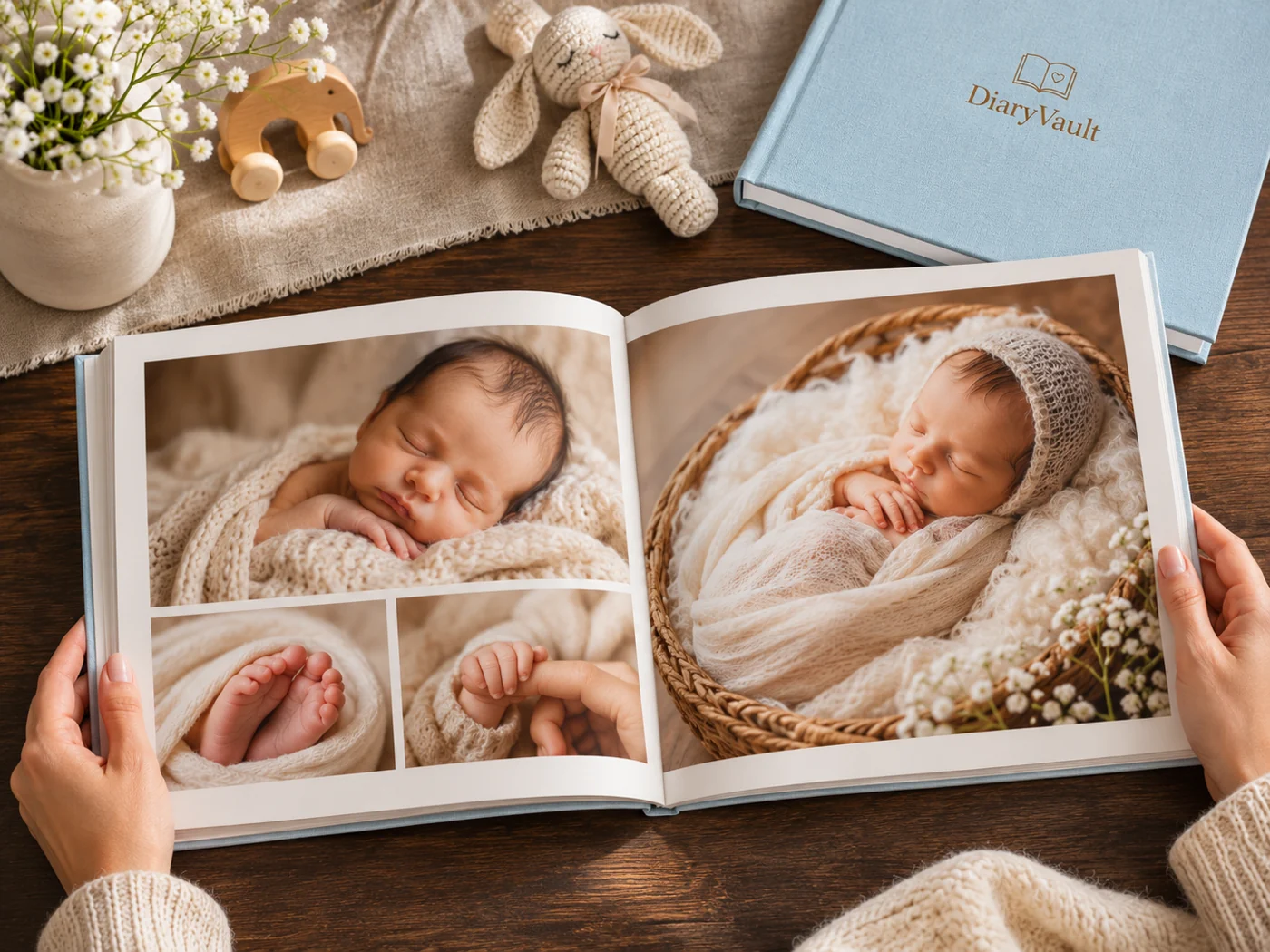
Choose a story arc
Start with an opening image and arrange the remaining memories in chronological order or a few meaningful groups. End with a picture or sentence that feels like a natural conclusion. A cover and interior pages serve different purposes.
Alternate quiet and busy pages
Give a particularly meaningful image its own page. Place related photos together when they help tell a story. The example of 24 interior pages is a planning aid, not a manufacturing specification; adapt it to the pictures you actually have.
Use captions and crops with intention
Keep captions readable, use consistent dates and preserve the parts of the photograph that matter to you. Check whether a portrait or landscape image fits the selected frame. Inspect the result instead of assuming every automatic crop is right.
Review a digital proof
Open your saved album in DiaryVault, review its pages and export a digital PDF proof. Check every spread, including the first and last pages. Print-ready files and physical ordering require separate manufacturing validation and are not available through DiaryVault yet.
Before you finish your album
Download this review checklist and use it on your own album draft.
- Choose the period and a clear cover title
- Review the opening and closing pages
- Check the page order and repeated images
- Review crops and important image details
- Check caption spelling, dates and readability
- Check the available resolution of selected photos
- Review privacy before sharing a PDF
- Save the editable project and review the exported proof
Common questions
How many pictures fit in a 24-page book?
In the sample layout, eight pages with one photo and sixteen pages with two photos produce forty photos. Actual capacity depends on the chosen design and layouts.
Is a PDF proof a print-ready book file?
Not necessarily. A print provider has its own dimensions, bleed, binding and image requirements. DiaryVault currently offers digital albums and proofs, not a certified print order.